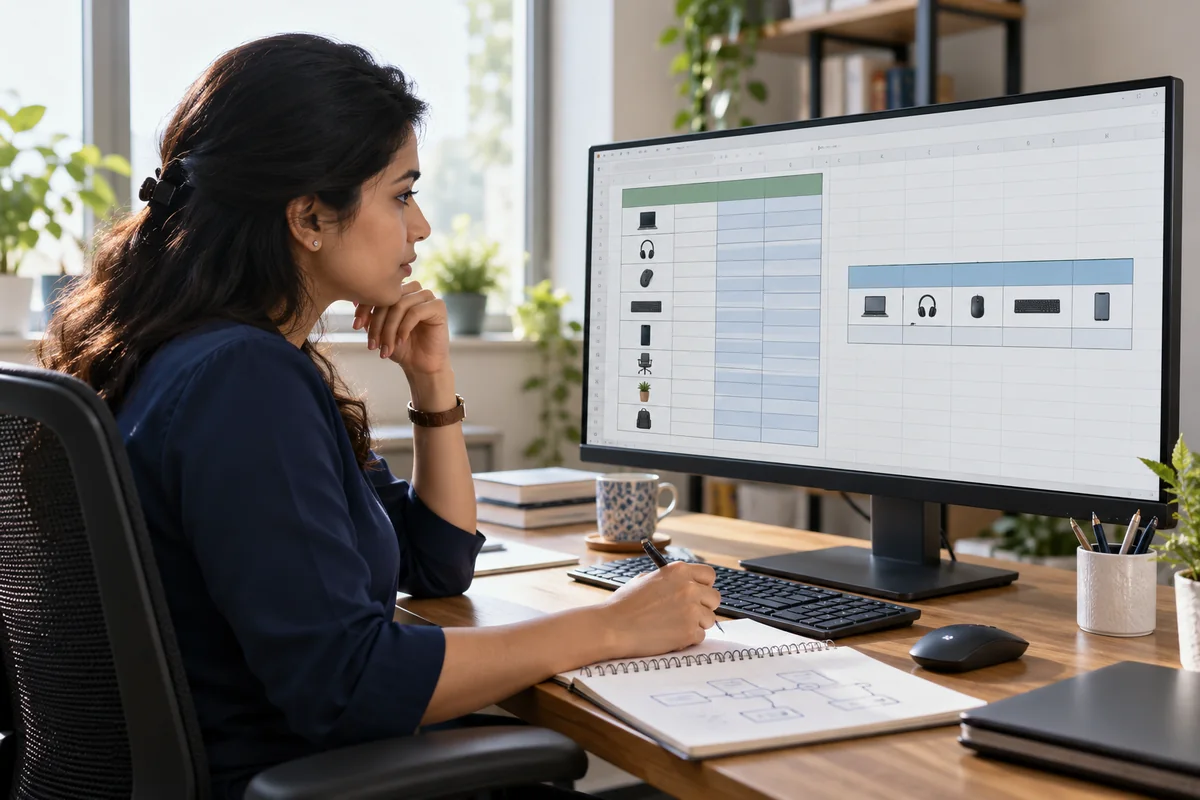
A smartphone video workflow: brief, shoot, edit and hand over
Plan an original product demonstration, capture usable footage, edit a clear story and check captions before sharing your beginner video project.
For creators, freelancers and small-business teams
Write a specific brief, make a shot list and test sound and lighting before recording. Edit the strongest footage into a clear sequence, check captions and review the exported file on the intended screen. Keep source files and permissions organised so the finished video can be handed over professionally.
Choose a small project with one purpose
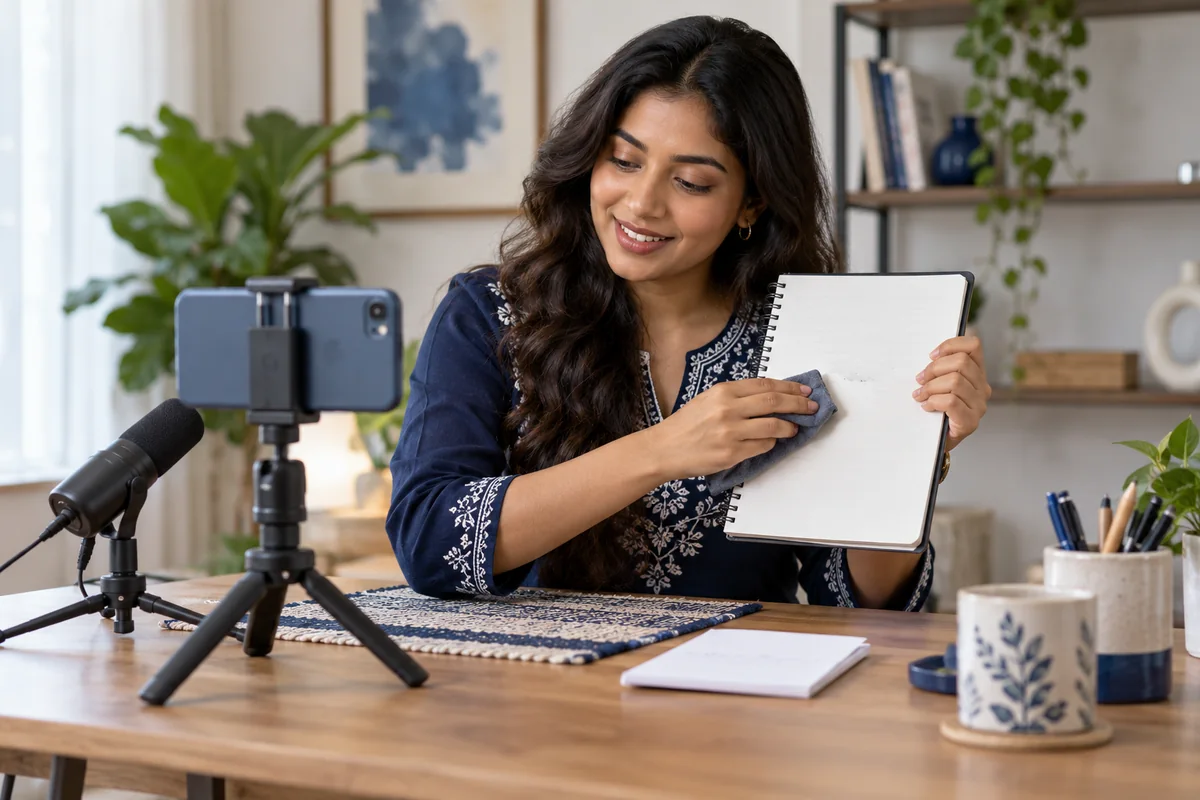
Create a practice demonstration for a fictional reusable notebook. The viewer should understand how it works and what to do next. Decide whether the destination is a short vertical social video or a longer explanation before filming. This choice affects framing, pacing and the amount of text that will be readable.
Write a brief containing the audience, main message, duration target, delivery format and assets you are allowed to use. This is your production plan, not a promise that a particular duration will produce engagement. Keep the first project manageable enough to revise.
Turn the script into shots you can capture
Plan an opening view of the product, a close-up of the key action, a short explanation and a closing shot. Check the background for distracting or private details. Keep the phone stable and place the subject where light makes the action easy to see. Record a short test and listen to it before continuing.
Sound that is difficult to understand can undermine an otherwise attractive video. Move away from noise, check microphone placement and capture another take if needed. Avoid assuming editing will repair every recording problem.
- Record more than one usable take of the important action.
- Leave framing space for captions and interface overlays.
- Keep shot names or a simple take log.
- Use fictional labels and approved assets for practice.
Make the story clear before adding effects
Arrange the clips so a new viewer can follow the process. Remove repeated explanations and pauses that do not help understanding. Add on-screen text where it clarifies a step, and check that text remains readable on a phone. Choose transitions to support continuity rather than to display every effect you have learned.
Review speech and background music together. Use music only when you have suitable permission. Automatically generated captions need a spelling and timing check, especially for names and specialised terms. Adobe’s documentation describes different caption export approaches; pick the one suited to the destination.
Inspect the actual delivery file
Watch the full exported file from beginning to end. Check the first frame, audio, caption positioning and final call to action. A correct editing timeline does not establish that the export has the intended dimensions or captions. Test the file on a phone and a desktop when those screens matter to the brief.
For a practice handover, include a clearly named final export, source-file folder, asset list and short notes on the tools used. State which assets can be reused and which require a separate licence. Do not include a client’s private files in a public portfolio.
Show your decisions alongside the finished video
Write a few lines explaining the brief, your role and one change made after review. Show a shot list or before-and-after edit if it helps demonstrate your reasoning. Label the piece as a self-initiated practice project. DigiCreate Pro connects planning, filming, editing and storytelling, giving you a sequence for developing these production habits.
Common questions
Can I learn video creation with a smartphone?
Yes. A smartphone can support practice in framing, sound, lighting and storytelling. Check the requirements of individual editing lessons and your intended delivery format.
Should I trust automatic captions without checking them?
No. Review words, names, timing and placement. Test the captions in the exported version that the audience will actually watch.
Sources & further reading
Official references checked on 2 October 2026. The practice examples and learning advice in this article are original eOS Master editorial content.
- Adobe: Export caption tracks ↗Official explanation of caption delivery choices.