eOS Master
DIGICREATE PRO / BEGINNER TO PRACTICAL CREATOR

DigiCreate Pro

Turn your ideas into videos worth watching.

Plan, film and edit compelling videos. Build skills in smartphone production, Reels, Shorts, long-form storytelling, creator branding and freelance delivery through original portfolio projects.

Self-paced 7 modules · 40 lessons Assessment
BUILT FOR THE WAY YOU WORK

The tools behind your next skill.

Apps and platforms included in this course’s lessons and practical activities.

  • Canva
  • DaVinci Resolve
  • VN Video Editor
  • Facebook
  • Instagram
  • YouTube
  • WhatsApp
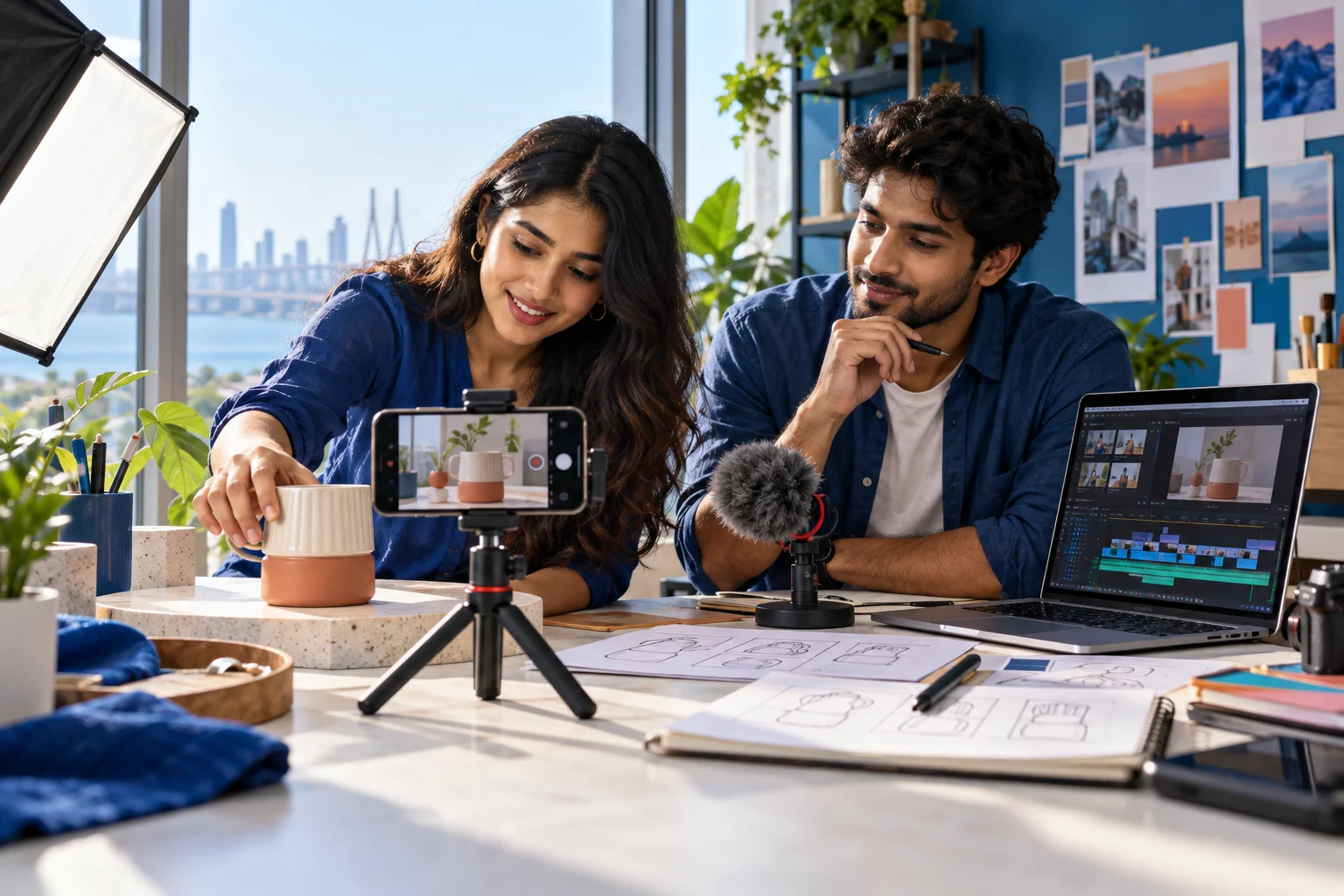
Indian content creators filming a product with a smartphone and planning their video edit
From your first shot to a portfolio of stories you can share.

Learn the craft. Build your portfolio.

40 focused lessons in English, related demonstrations and practical projects across seven modules. Work towards an original video campaign you can present with confidence.

Plan your learning: approximately 90 hours including lessons, independent practice and portfolio work. Learn at your own pace.

A computer with internet access is recommended. Use your own or permitted assets. Software subscriptions and equipment are not included. Some demonstrations use optional paid features.

THE LEARNING PATH

Here’s what you’ll work on.

Build confidence one useful skill at a time.

01

Content Creation & Digital Media Basics

5 topics
  • Digital content and video formats
  • Platforms, audiences and content goals
  • Content ideas and a repeatable planning process
  • Trends and format selection
  • Build a content calendar
02

Video Shooting & Production Techniques

6 topics
  • Shoot with a smartphone or beginner camera
  • Framing and composition
  • Lighting for indoor and outdoor scenes
  • Record clean dialogue and sound
  • B-roll and visual coverage
  • Production planning and a shot list
03

Reels, Shorts & Social Media Videos

7 topics
  • Create an Instagram Reel
  • Create a YouTube Short
  • Publish Facebook video and Reels
  • Prepare video for WhatsApp Status
  • Hooks, pacing and viewer attention
  • Captions and accessible short videos
  • Adapt a trend into original content
04

Video Editing & Post-Production

7 topics
  • Choose an editor and organise a project
  • Mobile editing workflow
  • Cut, trim and arrange footage
  • Music, sound effects and audio levels
  • Text, captions and transitions
  • Export for social and long-form platforms
  • Copyright, music and creator permissions
05

YouTube & Long-Form Content

5 topics
  • Set up and organise a channel
  • Script a long-form video
  • Design a readable thumbnail
  • Write titles and optimise an upload
  • Read audience retention and improve a video
06

Digital Storytelling & Creator Branding

4 topics
  • Story structure and a clear narrative
  • Build your creator identity
  • Develop an authentic on-camera personality
  • Audience connection, trust and influence
07

Portfolio, Monetisation & Freelancing

6 topics
  • Build a video portfolio and showreel
  • Client briefs and project delivery
  • Brand collaborations and sponsored content
  • Freelance pricing and scope
  • Creator monetisation methods
  • Capstone: present a complete creator campaign
IS THIS YOUR NEXT SKILL?

What can you learn with DigiCreate Pro?

Aspiring creators, freelancers, marketing teams and business owners who want to plan, shoot and edit purposeful videos.

Skills to put into practice

  • Develop scripts, shot lists and a production plan for a defined audience.
  • Practise smartphone filming, editing and short- and long-form storytelling.
  • Build original video projects and practise presenting and handing over creative work.

Build your understanding with 7 modules and 40 core lessons in English. Study online at your own pace and use the practical activities to apply each technique.

How much does the course cost?

DigiCreate Pro is available for ₹4,900 as a one-time purchase, reduced from ₹11,900. Course access starts after payment confirmation.

How does assessment work?

The assessment opens 45 days after purchase: 50 multiple-choice questions, 100 marks in total and a passing score of 60. You have 60 minutes per attempt.

Read the full assessment and certification guide
YOUR ACHIEVEMENT, RECOGNISED

Pass your exam. Take your next step.

Provisional certificate — immediately

Your eOS Master provisional certificate is available immediately after you finish and successfully pass your course assessment. Open the Certificates section in your account to get your digital document.
Original NBVTE certificate — within 90 days

Your additional original NBVTE certificate will arrive by courier within 90 days from the date of your successful exam, at your preferred delivery address within India. Confirm your recipient name, address, PIN code and contact number in your account.

A practical path to mastery

Follow a considered curriculum, practise each skill and track your progress from your first lesson to the final assessment.

Understand certification