
Your first Python automation project: check a CSV before summarising it
Learn a safe beginner workflow for reading a CSV, validating fields, handling invalid rows and producing a small checked summary.
For programming beginners, office professionals and aspiring analysts
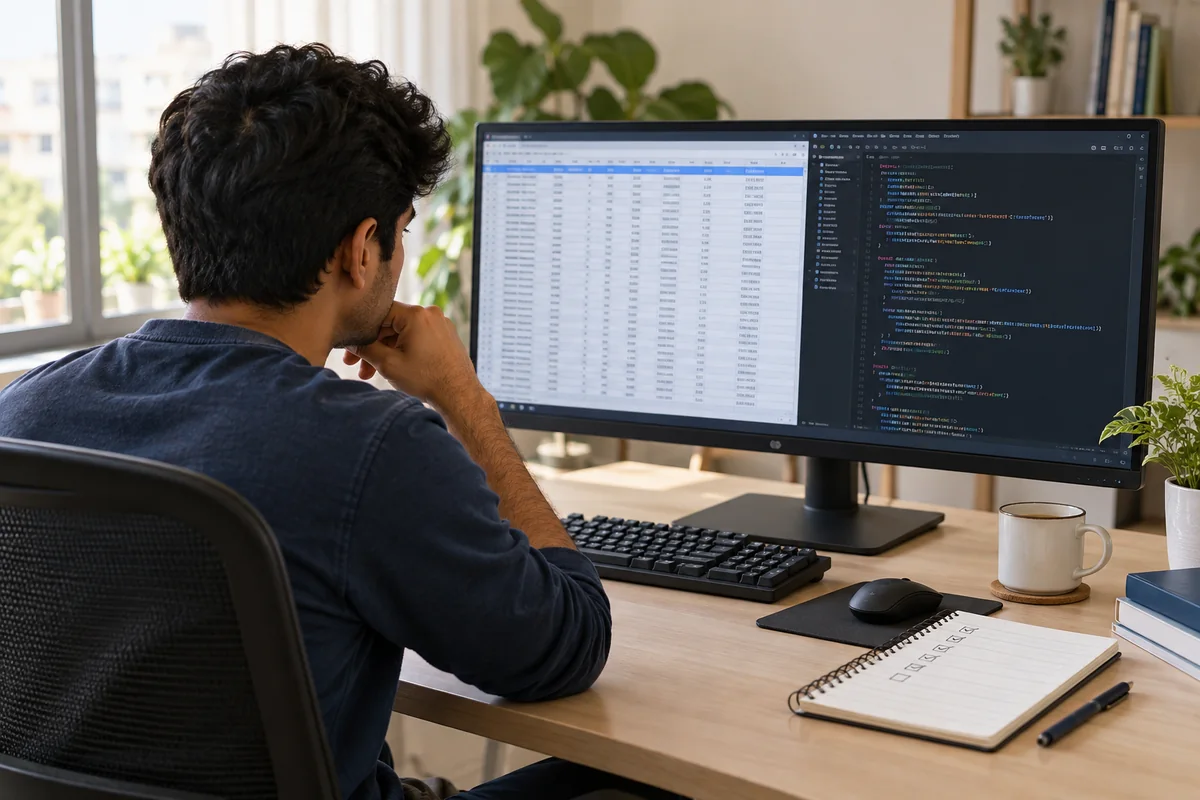
Start with a small fictional CSV, read it with Python’s csv module and validate each row before calculating totals. Keep the input unchanged, record invalid rows and write the summary to a separate file. Test known cases so automation makes the work repeatable without hiding errors.
Choose a task you already understand manually
If you can total three sales rows by hand, you have a useful starting point for an automation exercise. The aim is to repeat an understood process reliably, not to begin with an unfamiliar production system. Use a fictional file with product, units and unit_price columns.
Keep an untouched input copy. Write down what counts as a valid row: a non-empty product name, a non-negative whole-number quantity and a non-negative price. Real business rules may differ, so define them before coding.
Read the file using a suitable parser
Python’s csv module handles delimited data; csv.DictReader makes each row available by its column names. The official documentation recommends opening CSV files with newline="". Explicitly check encoding and expected headers for the files you receive.
Avoid splitting each line on a comma: a quoted field can itself contain a comma. A parser handles the file structure, but you still need to validate the meaning of each value. Keep the first version of your program small enough to read completely. The starter below inspects rows; it deliberately does not calculate or overwrite anything.
from pathlib import Path
import csv

source = Path("sales.csv")
with source.open(encoding="utf-8-sig", newline="") as handle:
    reader = csv.DictReader(handle)
    required = {"product", "units", "unit_price"}
    if not required.issubset(reader.fieldnames or []):
        raise ValueError("Required columns are missing")
    for line_number, row in enumerate(reader, start=2):
        print(line_number, row)
Validate before calculating
Add validation one field at a time. A blank quantity should be reported as invalid rather than silently treated as zero. Catch the specific conversion error you expect, record the line number and continue only under the policy you have defined. Some tasks should stop on an invalid row; others may produce a partial report with a clear exception list.
For money, learn decimal.Decimal and explicit rounding rules rather than assuming every floating-point result is suitable. Decide whether returns or discounts are separate fields before extending your example. Never describe a partial total as the complete business total.
Test the result with cases that expose mistakes
Use the same three valid transactions as a manual exercise: 10 × ₹80, 5 × ₹60 and 4 × ₹80, totalling ₹1,420. Add a fourth row with a blank quantity and check that it is reported. Then try a missing header, a quoted product name containing a comma and an empty file.
The expected result is a checked total for valid rows and a visible exception for the invalid row. Label whether the report is complete. Write output to a separate destination, and avoid deleting or overwriting source files while learning.
- Test one valid case and several invalid cases.
- Keep a readable error or exception report.
- Run the script twice and inspect whether results remain consistent.
- Explain what your program deliberately does not handle yet.
Turn a script into a portfolio example
Include a README, fictional sample input, expected output and instructions for running the program. Explain the validation rules and one bug you corrected. These details make a small project easier to assess than a large unexplained script.
DigiPython Pro takes beginners through a broader Python learning sequence. Start with core language skills and file handling before expanding into libraries and applications. DigiOffice Pro can complement this path by helping you understand the reporting task that the program supports.
Common questions
Do I need paid software to practise this CSV project?
The example uses Python’s standard library. You need a suitable Python installation and a text editor; check the setup lessons before running code.
Should I use Python or Excel for a reporting task?
Choose based on the task, team skills and need for repeatability. Excel can be convenient for interactive review; Python can automate defined steps. Either approach needs validation.
Sources & further reading
Official references checked on 2 October 2026. The practice examples and learning advice in this article are original eOS Master editorial content.
- Python documentation: csv ↗CSV parsing, DictReader and newline handling.
- Python documentation: decimal ↗Decimal arithmetic and rounding controls.